Using EXCEL To Track Your Stays & Earnings
I started tracking my spend in 2018. I noticed missing points and spend on hotel folios, and at that time Points Advance was available, so I built a spreadsheet to forecast our travel and earned points based upon known work travel.
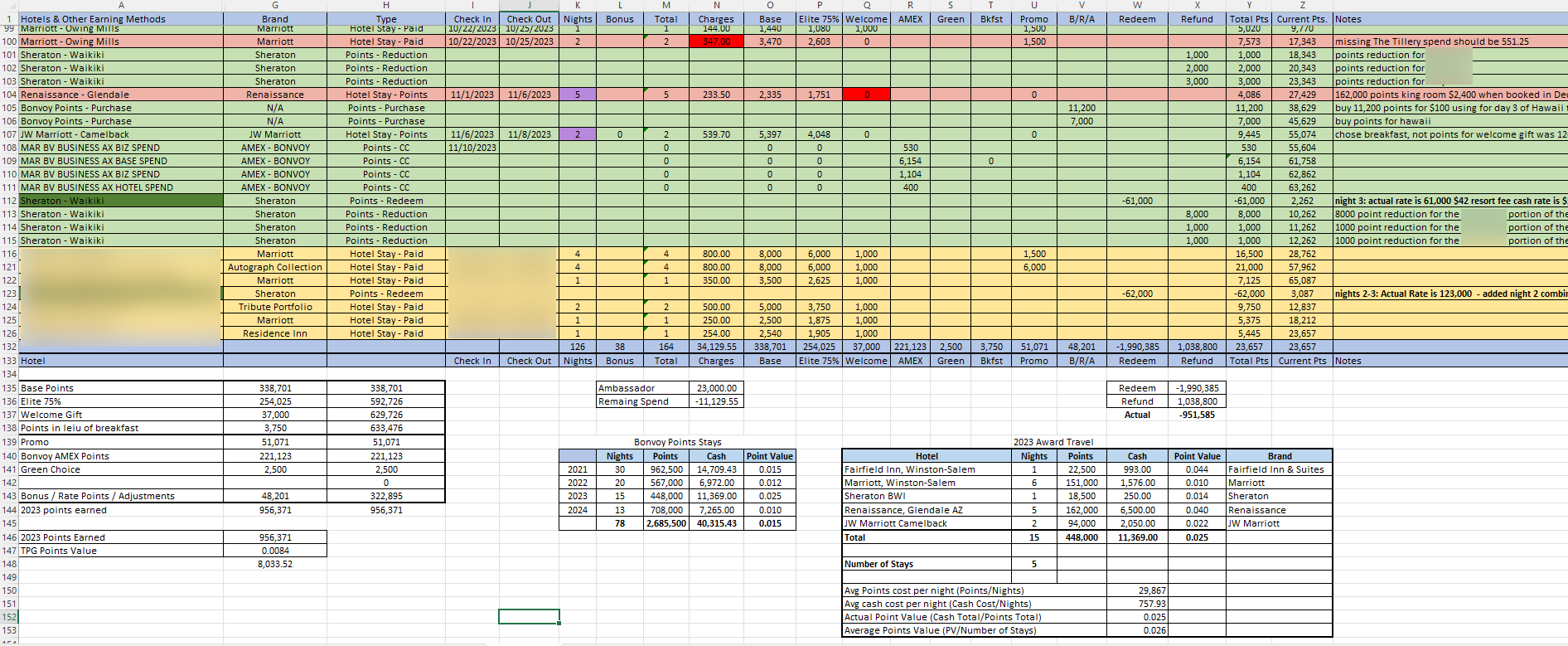
It’s been through a few modifications since then, and it remains the foundational ledger behind PointsTracker.app. I mark rows and cells in different colors to highlight status:
- Red rows/cells: Discrepancy detected — missing base points, bonus points, or unqualified spend.
- Green rows/cells: Completed, audited, properly posted stays.
- Tan rows/cells: Future travel with estimated qualifying spend.
There are basic instructions below the download link.
Have a question? Send me a message via the Executive Contact Form.
Free Download: Version 1.4.3
6/5/24 Release Update (v1.4.3): Added columns to audit the entire folio spend and calculate the exact percentage of total spend that qualified for Bonvoy points.
Download the Free GeneTravels Bonvoy Qualifying Spend & Points Tracking Workbook (v1.4.3 ZIP)
Feeling generous and want to support future work on this workbook? You can buy me an Earl Grey Tea (with honey) or a Bourbon here.
Spreadsheet Walkthrough & Instructions
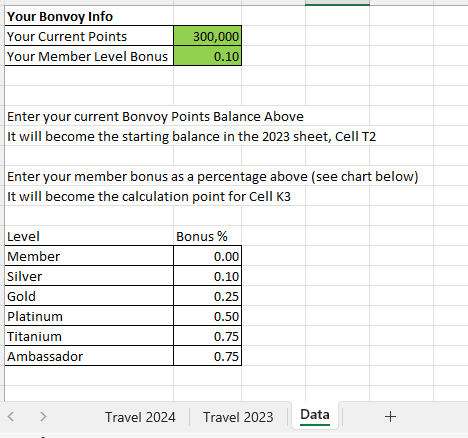
1. Entering Your Member Information
Enter your starting points balance and current elite bonus tier percentage on the Data tab.
2. Adding New Stay Data
To add a new entry, select the cell above and choose Insert and Shift Cells Down. Do not insert entire rows across the worksheet to avoid breaking cross-column formulas.

3. Date Picker
To insert a stay date, select the target cell first, then select the date on the calendar picker.

4. Filtering Columns
To filter by property brand, year, or audit status, select the column dropdown filter and choose your desired criteria.

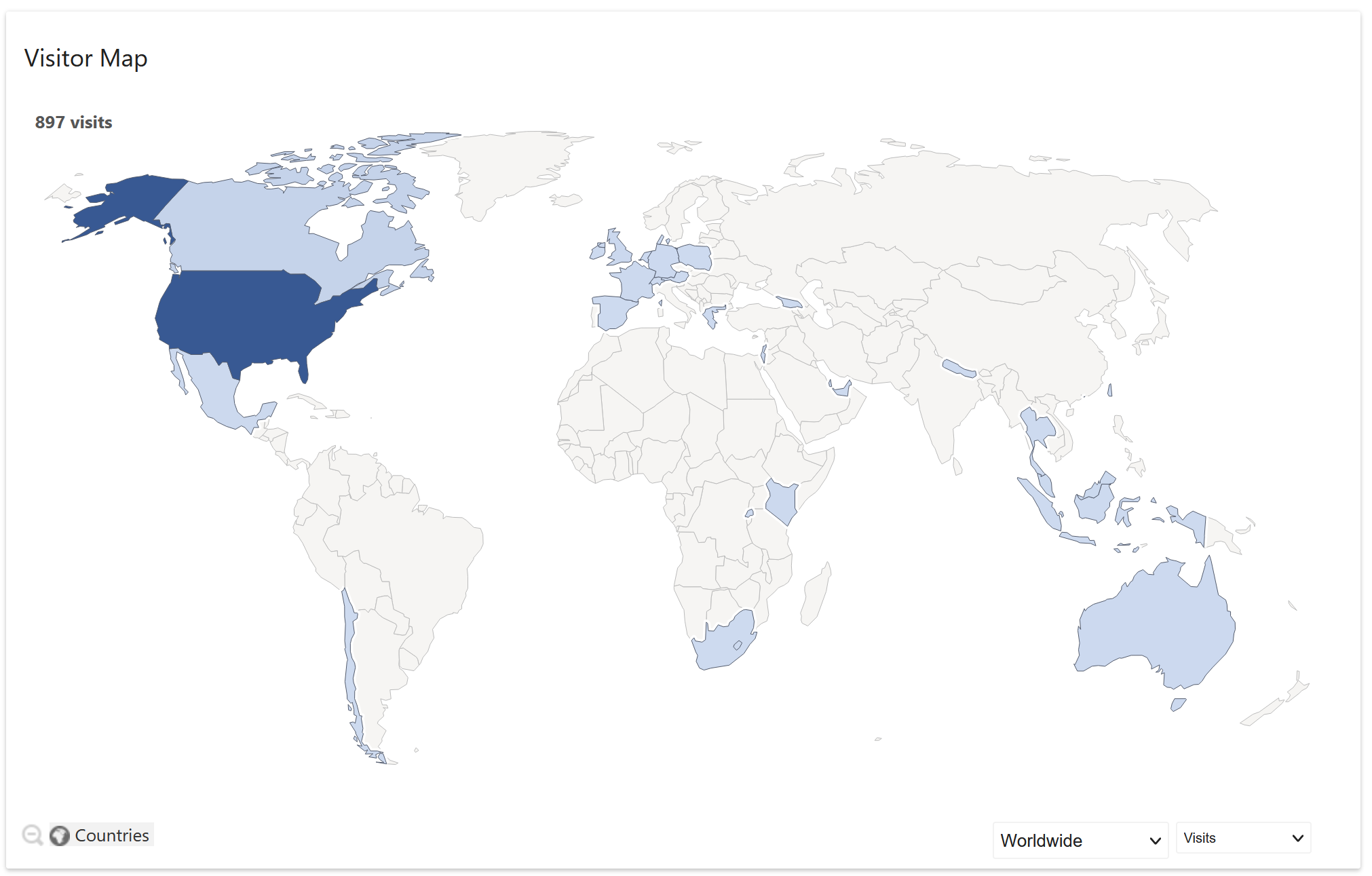
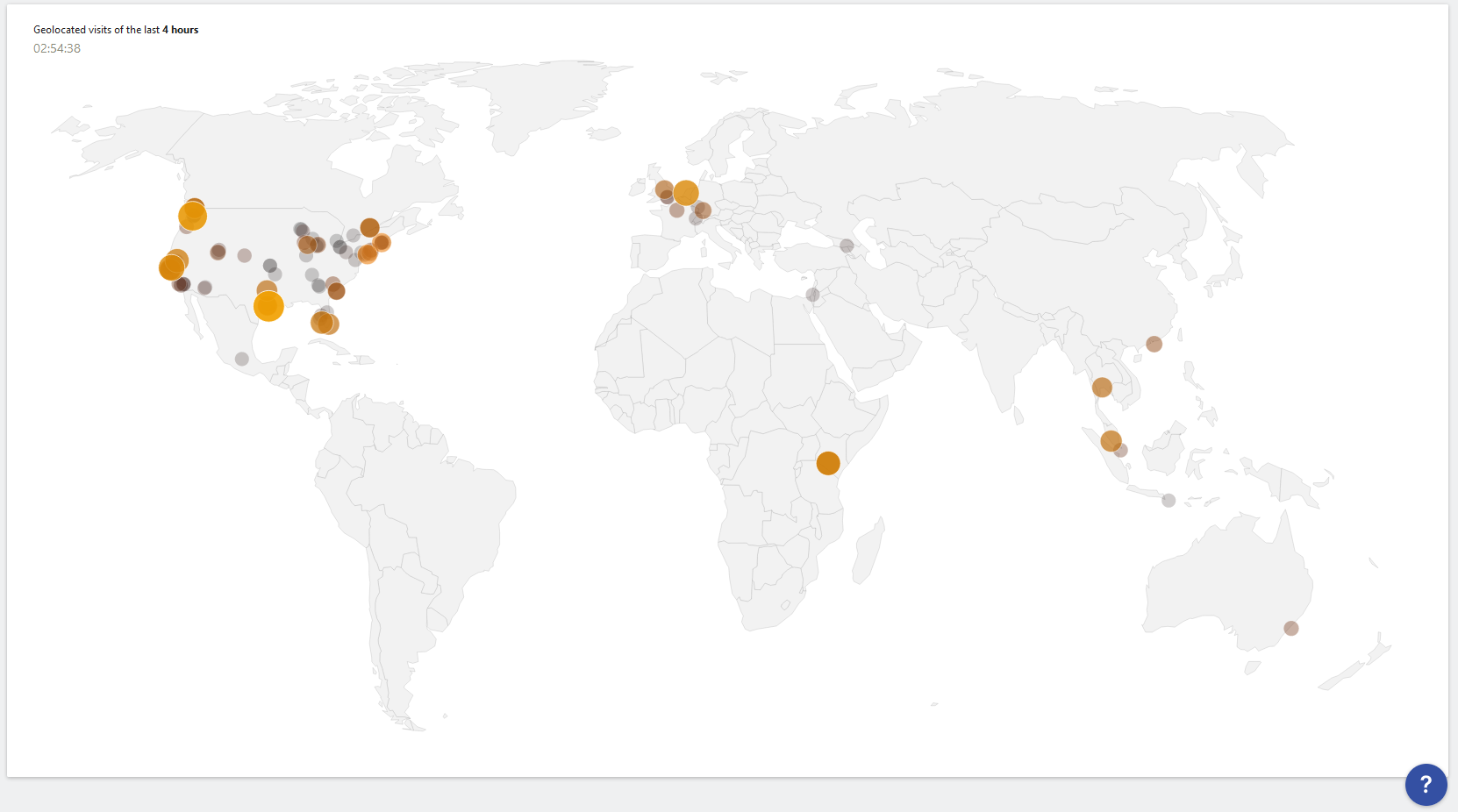
Global Community Adoption
Travelers across the globe have downloaded and utilized the workbook to audit their Marriott stays:
Release Notes
- Version 1.4.3 (6/5/24): Added additional columns to audit the entire folio spend and the exact ratio of total spend to qualified spend.
- Version 1.4.2 (1/22/24): Cleaned internal link references. The workbook runs 100% self-contained offline.
- Version 1.4 (1/22/24): Added instruction tab, screen captures, columns for Elite Status & Upgrade details, table filtering, and integrated date picker.
- Version 1.3 (12/4/23): Added formula guidance for qualified spend calculations.
- Version 1.2 (12/3/23): Simplified starting points input and elite bonus tier percentages.
- Version 1.1 (12/3/23): Initial public release on GeneTravels.com.